
Android screenshots
About Heater: Cozy Heat Simulator
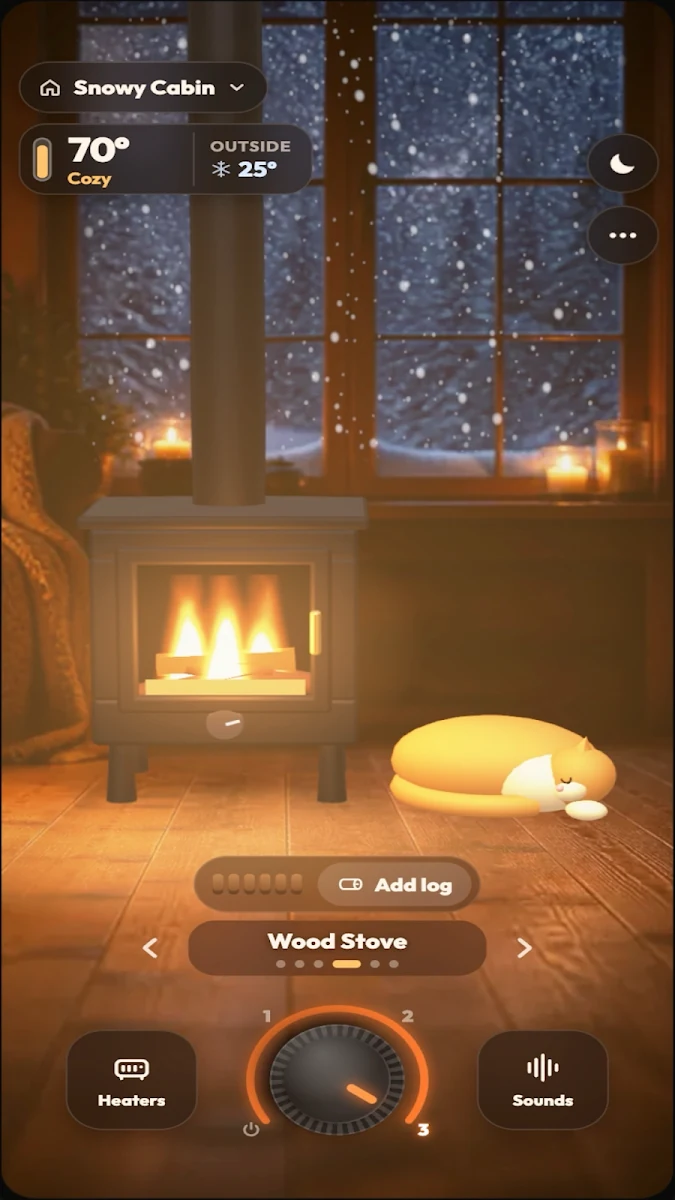
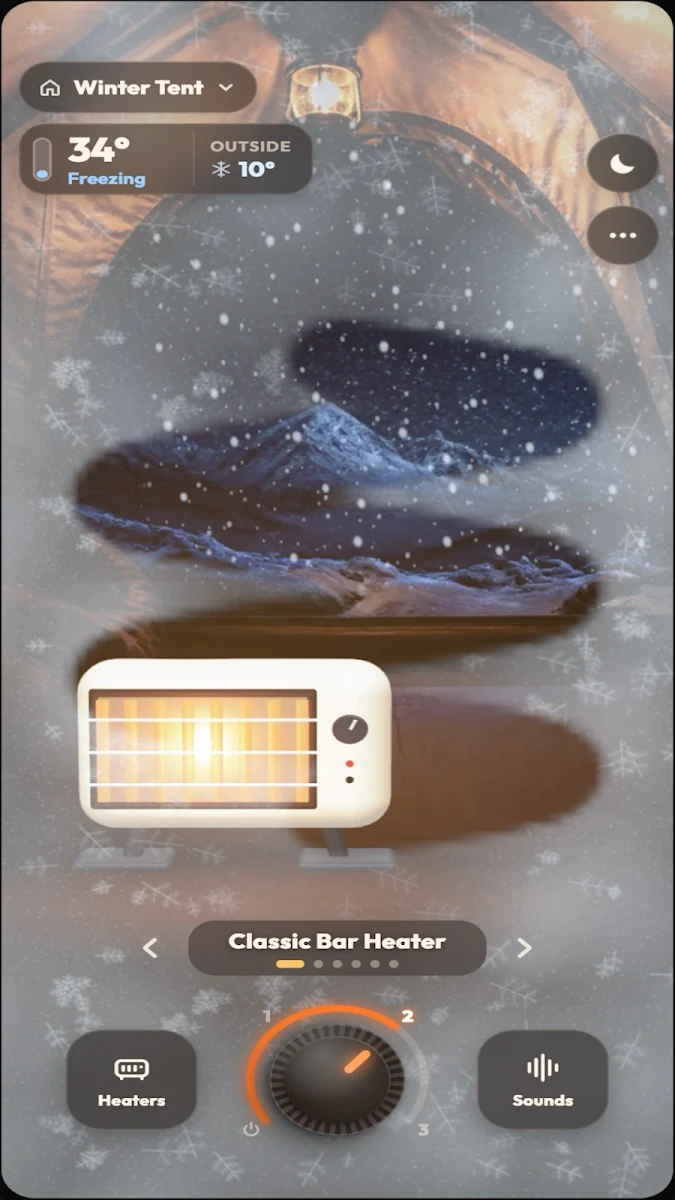
Turn a rotary knob and watch a virtual heater glow while snow or rain falls outside. Heater: Cozy Heat Simulator offers six heater types, from a classic bar heater and oil radiator to a wood stove where you add logs.
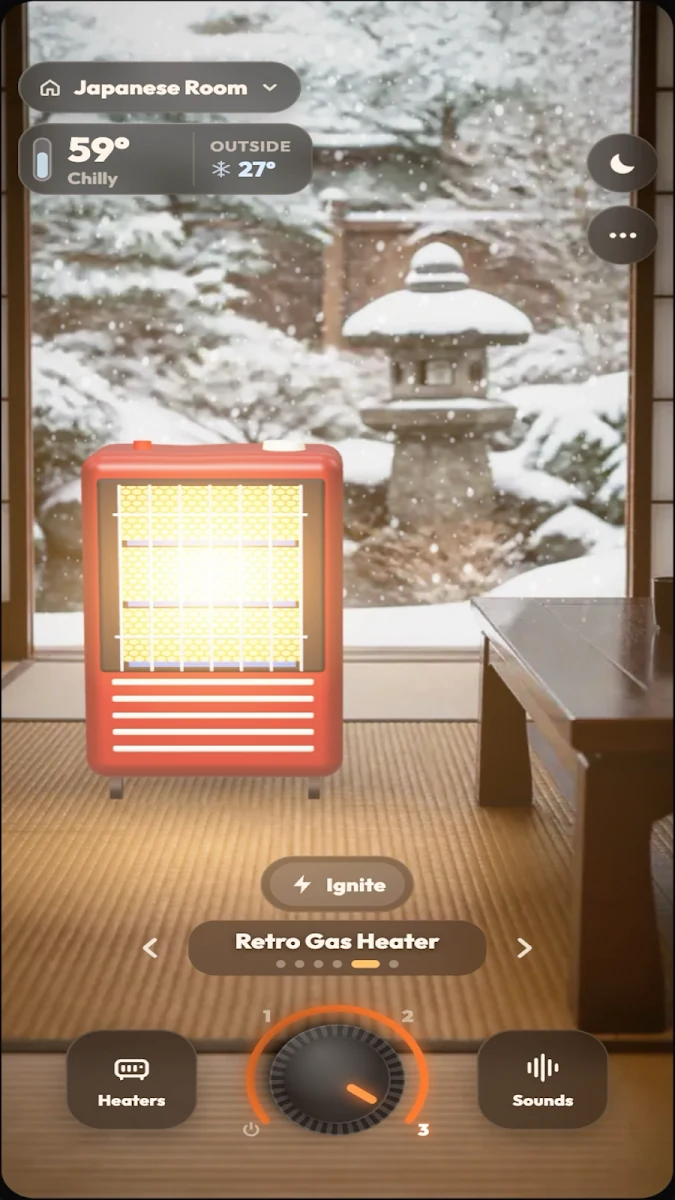
Choose among nine places, including a Snowy Cabin, Winter Tent, Garage and Japanese Room. The virtual thermometer rises as the scene warms, frost melts or can be rubbed away, and a cat settles beside the heater when the room becomes cozy. This is a screen simulation, not a way to heat a physical room.
Key Features
Six heater types
Switch between Classic Bar, Oil Radiator, Ceramic Fan, Wood Stove, Retro Gas and Halogen Tower heaters.
Nine places
Each location begins cold, with snow or rain outside and a virtual temperature display.
Sound mixer and cat
Adjust heater, rain, wind, fireplace, clock and purring volumes. Choose among four cat coat colors or hide the cat.
Sleep timer
Use 15-minute, 30-minute, one-hour or two-hour timers. Four-hour and eight-hour options can be unlocked.
How to Use
- Swipe between heaters or select one from the list.
- Turn the knob and watch the virtual temperature rise.
- Choose a place, mix its sounds and set a sleep timer for nighttime use.
Frequently Asked Questions
Which platforms is Heater: Cozy Heat Simulator available on?
Available on Google Play. Verified on Google Play. No matching Heater app was found in the developer’s current US or Brazil Apple catalog, so no iOS download is advertised.
Is Heater: Cozy Heat Simulator free to download?
The Google Play listing offers a free download with ads and in-app purchases.
How are extra heaters and rooms unlocked?
The Google Play description says some heaters and places unlock after watching a short video. A one-time purchase removes ads.
Download
Available on Google Play. Verified on Google Play. No matching Heater app was found in the developer’s current US or Brazil Apple catalog, so no iOS download is advertised.
Published by Astrologic Media on Google Play.
