
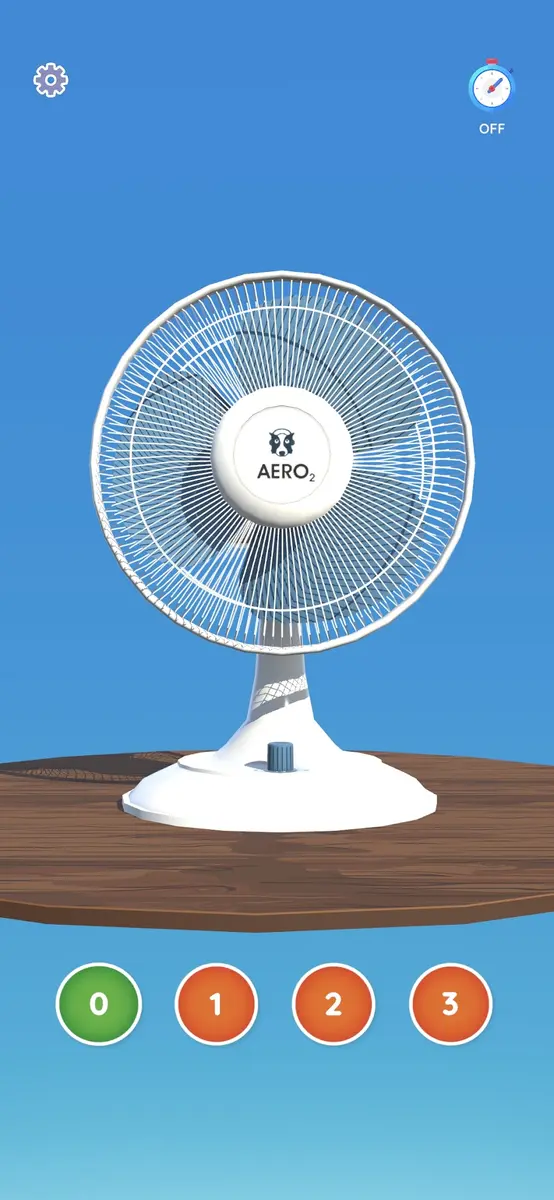
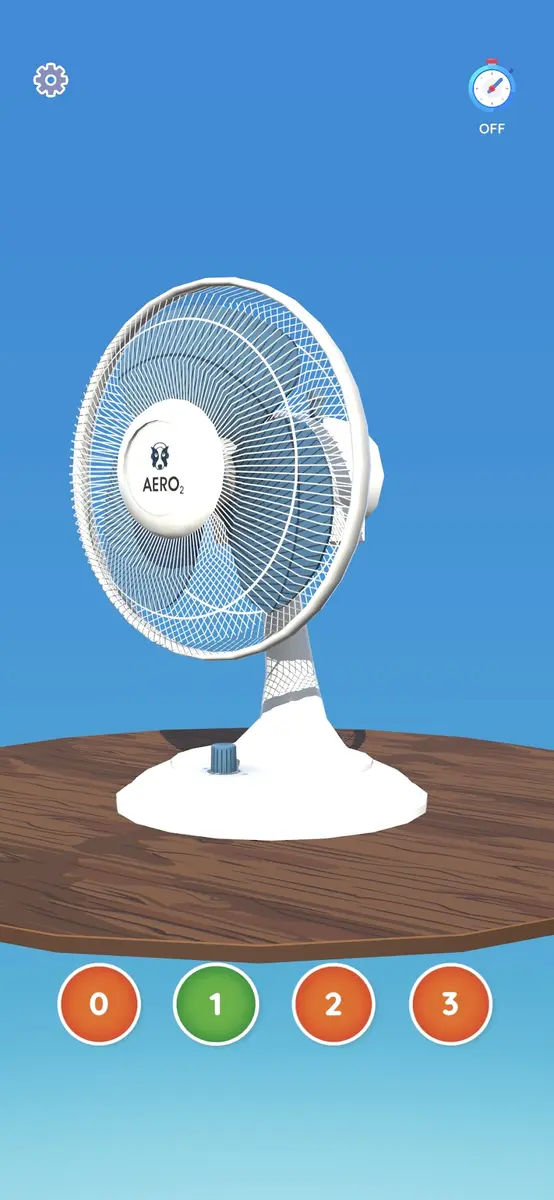
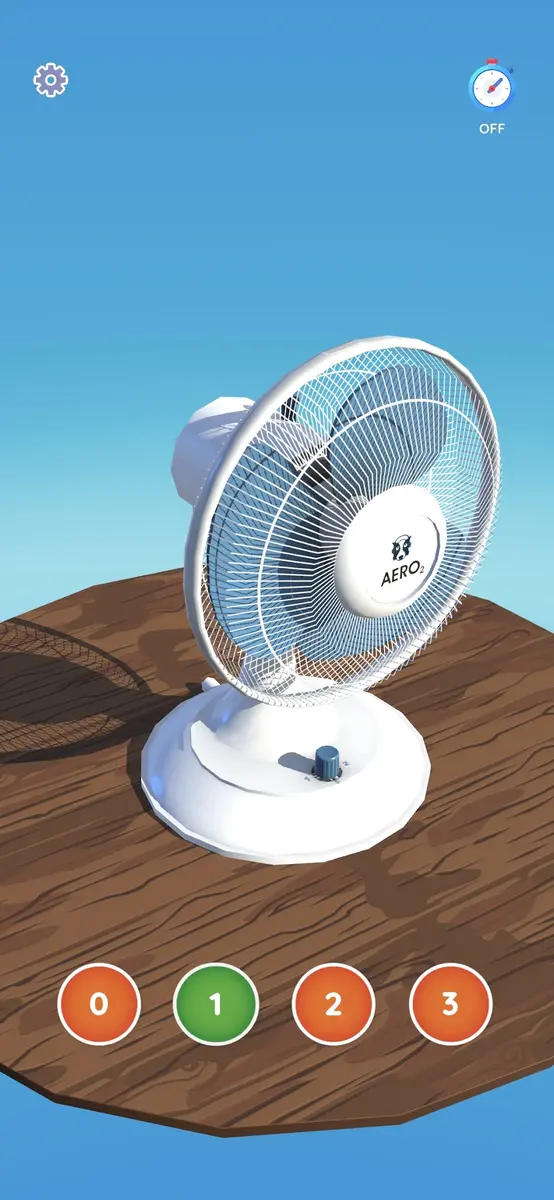
Fan Simulator plays fan sounds on your phone. Choose one of three speed settings, then set a timer if you want the sound to stop while you sleep. On iPhone and iPad, the app also shows an animated fan.
The sound can provide steady background noise at bedtime or while you focus. This is a virtual fan: your phone will not blow air or cool the room.
Key Features
Three Fan Speeds
Choose low, medium, or high for the fan sound you prefer.
Custom Timer
Set the sound to stop after a selected time, such as 5 minutes, 15 minutes, or an hour.
Fan Sound
Play recorded fan sounds as background noise. The iOS version also shows an animated fan.
Simple Controls
Open the app, pick a speed, and set a timer if you need one.
How to Use
- Choose a speed: low, medium, or high.
- Set a timer if you want the sound to stop on its own.
- Listen to the fan sound while you rest or work.
Frequently Asked Questions
Does Fan Simulator make my phone blow air?
No. It plays fan sounds on your device; it cannot produce airflow or lower the room temperature.
Can I use fan sounds for sleep?
Yes. Pick a speed and set a timer to stop the sound after a chosen period. The app does not promise to treat a sleep condition.
What timer options does it have?
You can set the sound to stop after a set time, such as 5 minutes, 15 minutes, or an hour.
Is Fan free to download?
Yes. Fan is free to download; the iOS listing also offers an optional in-app purchase.
Which platforms can I use?
Fan is available on Android via Google Play and on iPhone and iPad via the App Store.
Download
Ready to experience Fan? Download now!


Free to download on Android and iOS