
About Air Conditioning 3D
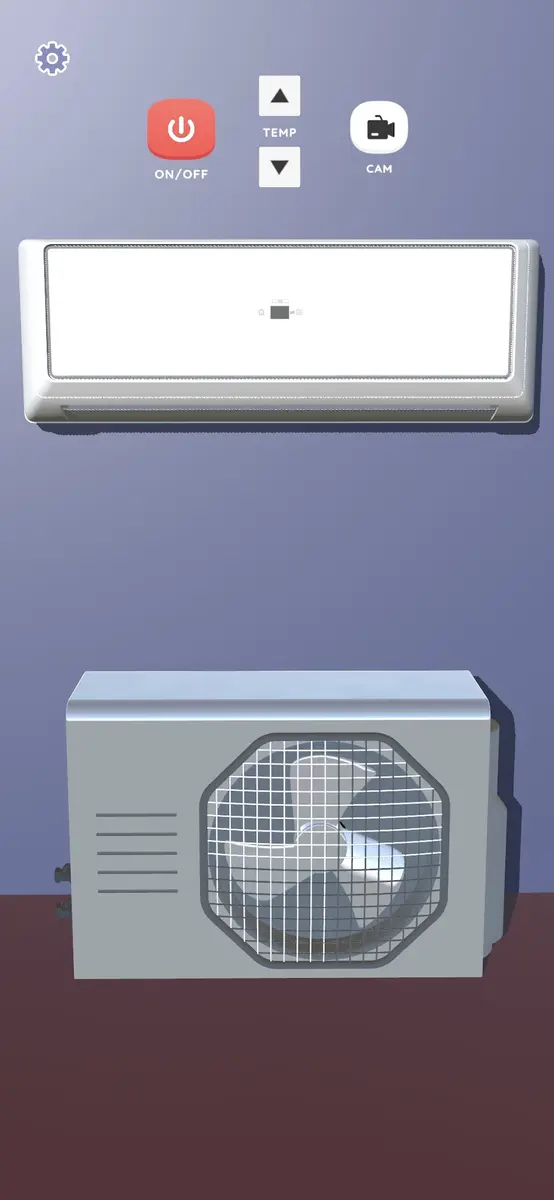
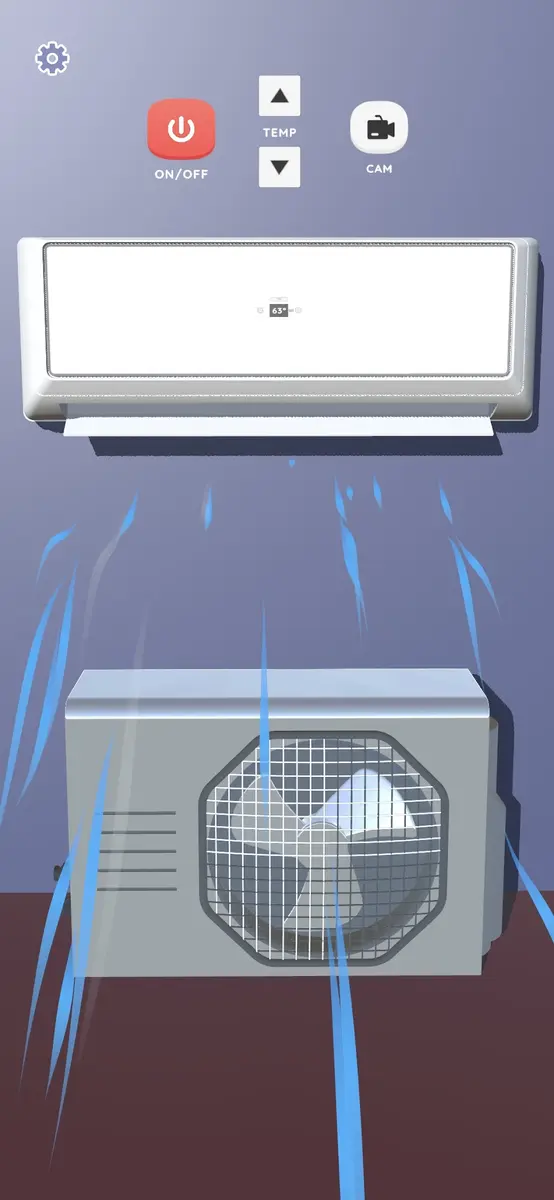
Air Conditioning 3D puts a working air conditioner on your phone. It is a simulator, not a controller for a real unit. You adjust the temperature, spin the fan through its speed settings, and switch between cooling and heating modes, all on a 3D panel.
Everything happens on a 3D model of a wall-mounted AC unit. Running it is simple: set a target temperature, pick a fan speed, and watch the display update as the unit clicks between modes.
The room you are sitting in does not change. This is a panel to play with: something for a hot afternoon when you want the look of a cold blast, or for the glow of a unit while you read at night.
Key Features
Temperature Control
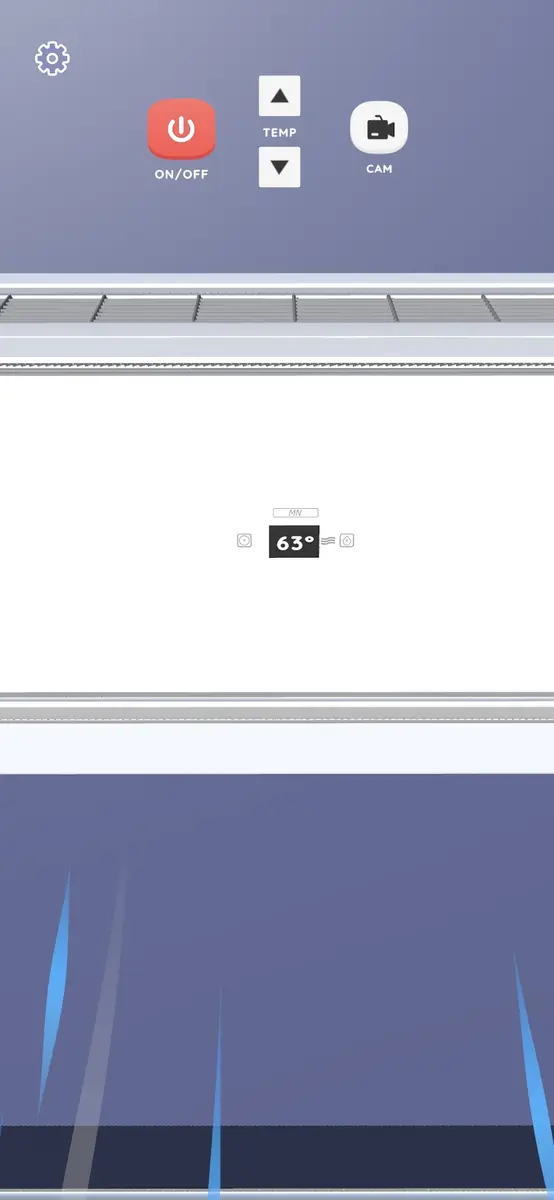
Set a target temperature on the panel and change it whenever you want. The display shows the setting you picked.
Fan Speeds
Move through the fan settings, from a quiet breeze to a strong blast, and watch the unit react.
Cooling and Heating
Press the mode button to switch the unit between cooling and heating. The panel and the display follow the change.
3D Wall Unit
The air conditioner is a 3D model of a wall-mounted unit with a lit panel, not a flat set of buttons.
How to Use
- Open the app: the 3D unit loads with the panel and display ready.
- Set the temperature: choose your target temperature on the display.
- Pick a fan speed and a mode: set the airflow, then press the mode button for cooling or heating.
- Leave it running: the setting stays on while the app is open, and closes with it.
Frequently Asked Questions (FAQ)
Is Air Conditioning 3D an air conditioner simulator?
Yes. The app simulates the control panel of an air conditioner in 3D. You adjust the temperature, set the fan speed, and switch between cooling and heating modes. It does not control a real unit.
Will it change the temperature in my room?
No. The app animates an air conditioner on your screen and does not connect to a real AC unit, so the room around you stays the same.
Can I switch between cooling and heating modes?
Yes. Use the mode button on the panel to move between cooling and heating, and the display updates with the current setting.
Does Air Conditioning 3D work on iPhone?
Yes. The app is on the App Store for iPhone and on Google Play for Android.
Is Air Conditioning 3D free?
Yes. The simulator is free to download on Google Play and the App Store, and the core control panel needs no purchase.
Is Air Conditioning 3D an aircon game?
Both names point to the same app. Air Conditioning 3D is the title on Google Play and the App Store, while aircon game and aircon simulator are the shorter ways people describe it. The panel is the same either way: temperature, fan speed, and a cooling or heating mode.
Download
Ready to try it? Download Air Conditioning 3D from Google Play or the App Store.


Free to download on Android and iOS